

Give them a reason
to turn around.
Your customer doesn't only want better footage of somebody entering the site. They want the system to do something while they're there.
TriGuard combines intelligent detection with red and blue warning lights, visible lighting and audio, giving the camera a way to challenge activity in a protected area instead of quietly recording it for later.
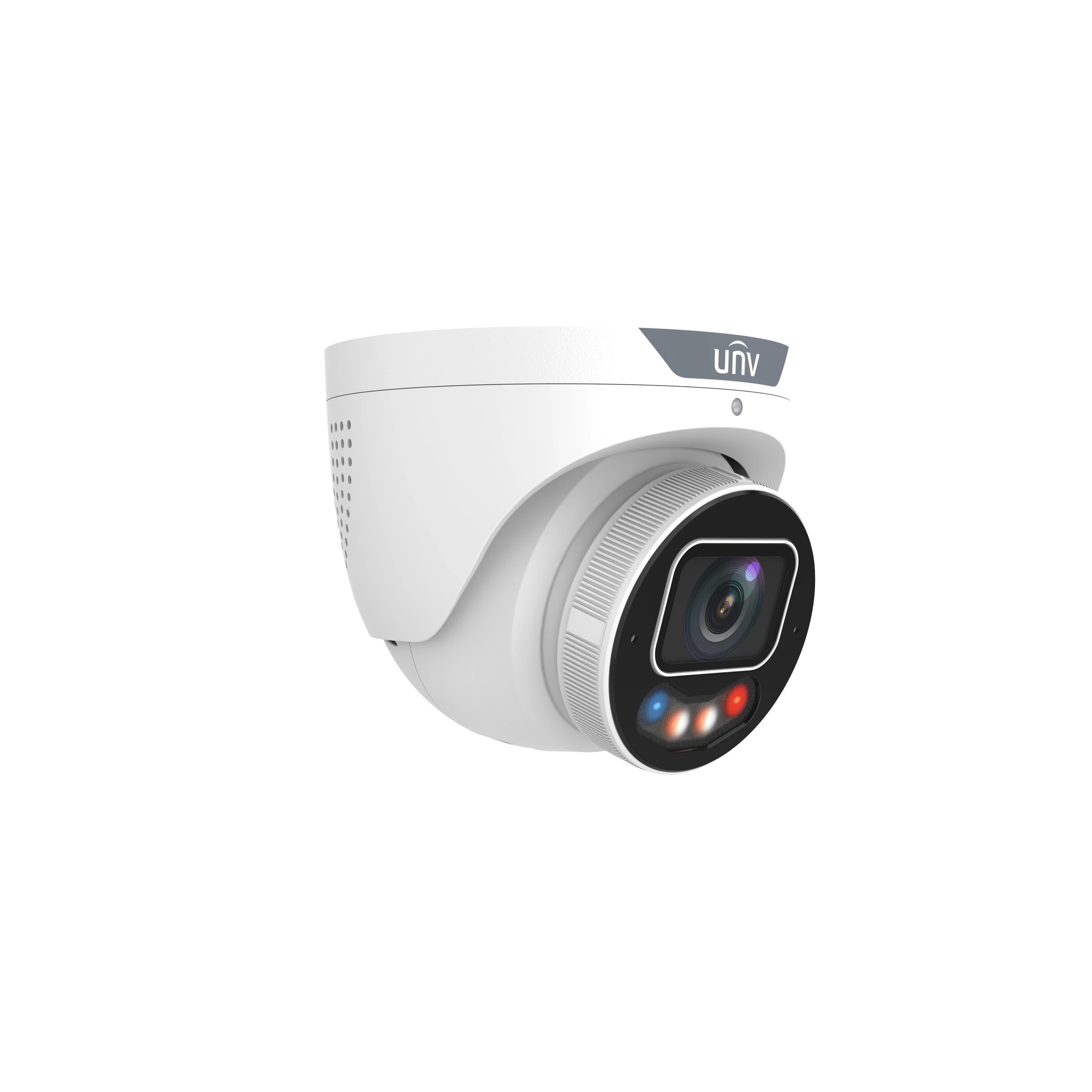
Don't just tell your customer it can deter. Show them what changes.
Step through normal monitoring, detection and deterrence. Your customer can see exactly what the extra spend buys before you start talking about specifications.
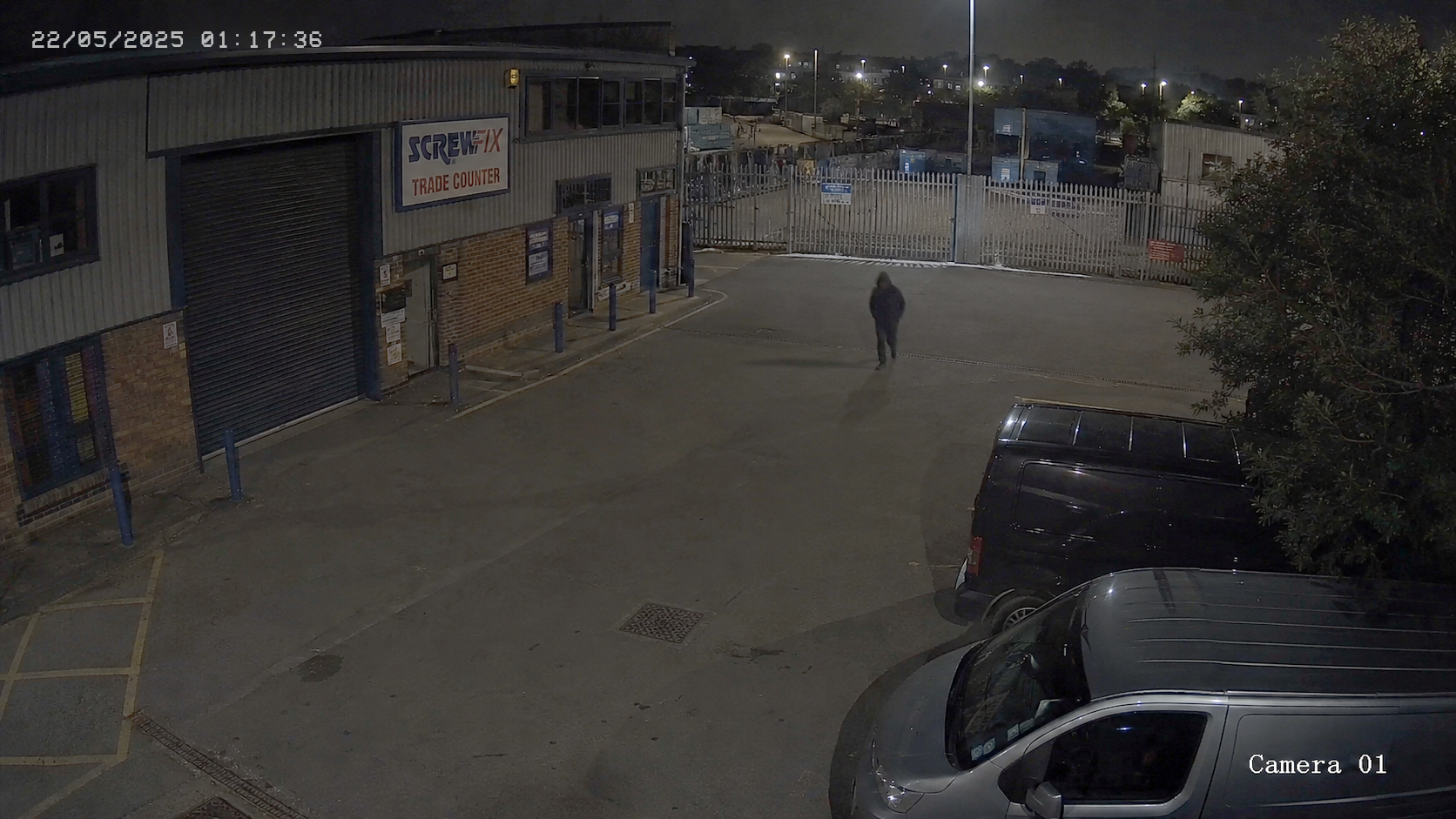
Start with normal CCTV. Nothing changes until the camera detects an event that needs a response.
Keep the site under normal CCTV coverage without making the camera noisy or intrusive.
Use detection to trigger the response when somebody enters the area you've chosen to protect.
Red and blue warning lights, illumination and audio tell the person on site that the system has reacted.
Put it where somebody has to cross a line.
The best TriGuard jobs are the ones where the camera has a clear area to protect and an obvious reason to react when somebody enters it.
Yards and compounds
Give somebody a very obvious warning before they reach vehicles, stock, plant or a building entrance.
Shop fronts and entrances
Use the response where people should not be hanging around doors, shutters or vulnerable access points after hours.
Construction and plant
Useful when expensive tools, machinery or materials are sitting in areas that become vulnerable when the site empties out.
Exposed commercial sites
A strong fit where weather, impact risk and demanding outdoor conditions are part of the specification too.
It doesn't have to behave the same everywhere.
You can make the deterrence more visible or keep the site quieter until something actually happens.
Quiet until the event
Use infrared for normal night monitoring, then bring in the visible warning lights, speaker and colour illumination when an event is triggered.
Keep the scene discreet
Monitor using IR, then trigger the red and blue warning lights and audible response when the protected area is breached.
Keep colour available
Keep the warm illumination on after dark, then add the warning lights and audio when the camera needs to respond.
Your customer can see what they're paying extra for in thirty seconds.
"If something happens, we'll have the footage."
Useful evidence, but the person at the site can carry on without any obvious indication that the system has reacted.
"If somebody enters this area, the camera can challenge them."
That is a much easier upgrade to demonstrate than another conversation about megapixels, codecs or minor specification changes.
Some cameras get an easy life. These don't need one.
Coastal air, exposed walls, heavy rain, busy commercial sites and areas where vandalism is a genuine concern all put more pressure on the hardware.
TriGuard 3.0 is built with those jobs in mind, so the camera protecting the vulnerable area isn't itself the weak point.
Put one on the next vulnerable entrance, yard or compound.
Set the protected area, walk through it yourself and see what happens when the camera responds.
It is a much easier product to understand once you've actually heard and seen it react.
8MP imaging, dual light, alarm and audio in a familiar turret format. An easy way to demonstrate what the TriGuard idea actually adds to a CCTV installation.
VIEW 8MP TRIGUARD 3.0 → Or see the full TriGuard range →A few useful things to know.
Does TriGuard react to every bit of movement?
Smart Intrusion Prevention is designed to reduce common false alarms so the camera can focus on meaningful intrusion events. As with any site, the detection areas and rules still need to be configured properly.
Do the warning lights have to be on all the time?
No. TriGuard supports different deterrence modes, so you can choose how discreet or visible the camera is during normal operation and how it responds when an event occurs.
Is TriGuard only about the warning lights?
No. You are still getting a serious CCTV camera underneath the deterrence layer, with F1.0 optics, strong low light imaging, true WDR and intelligent event detection.
Where would you try TriGuard first?
Start with a yard, compound, exposed entrance, shop frontage or similar site where somebody entering a defined area after hours should immediately know the system has seen them.
TriGuard makes a lot more sense when you see it react.
Put one on a suitable job, configure the protected area and demonstrate the difference between a camera that watches and one that can visibly respond.