

Low light colour
OwlView
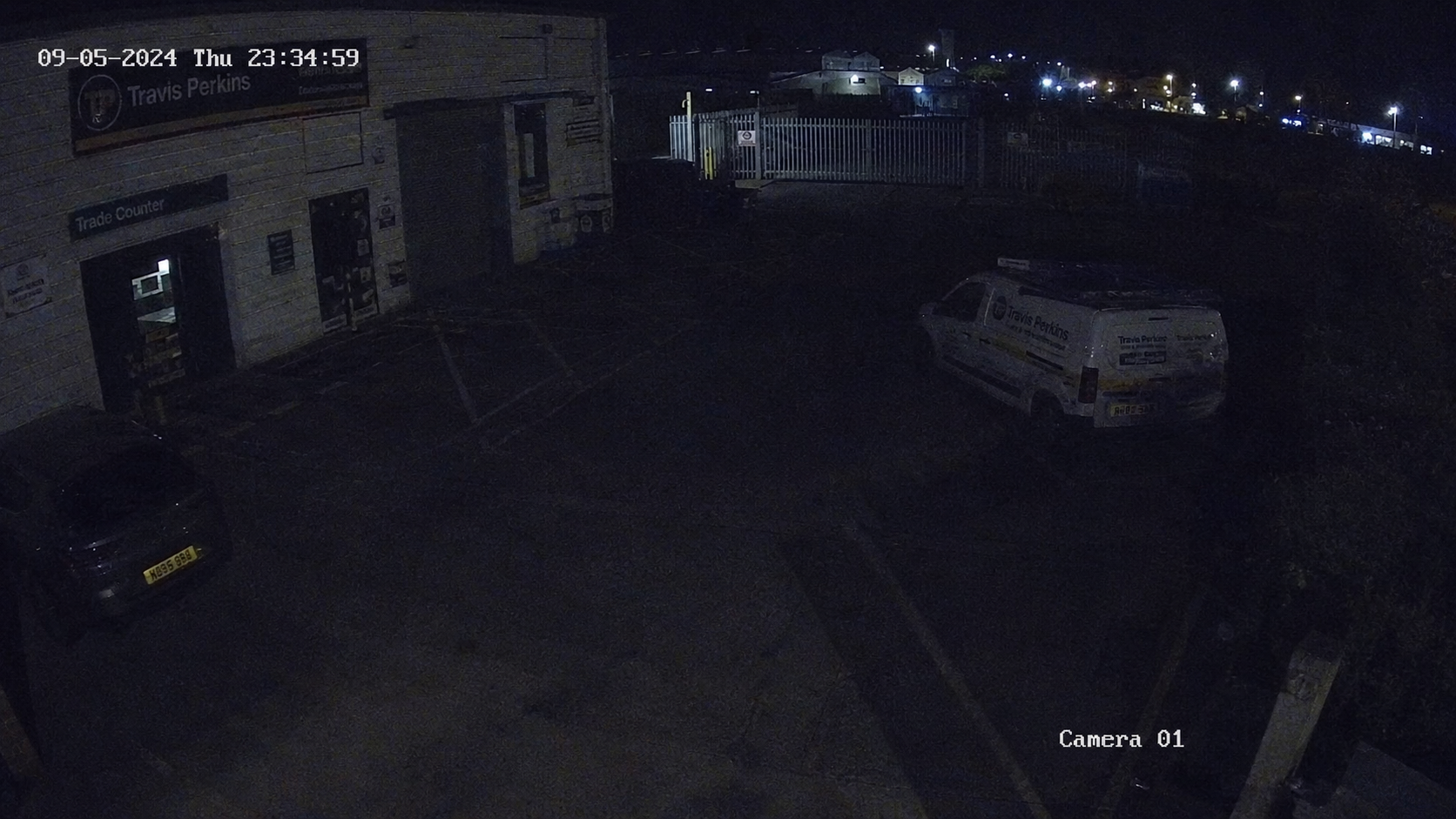
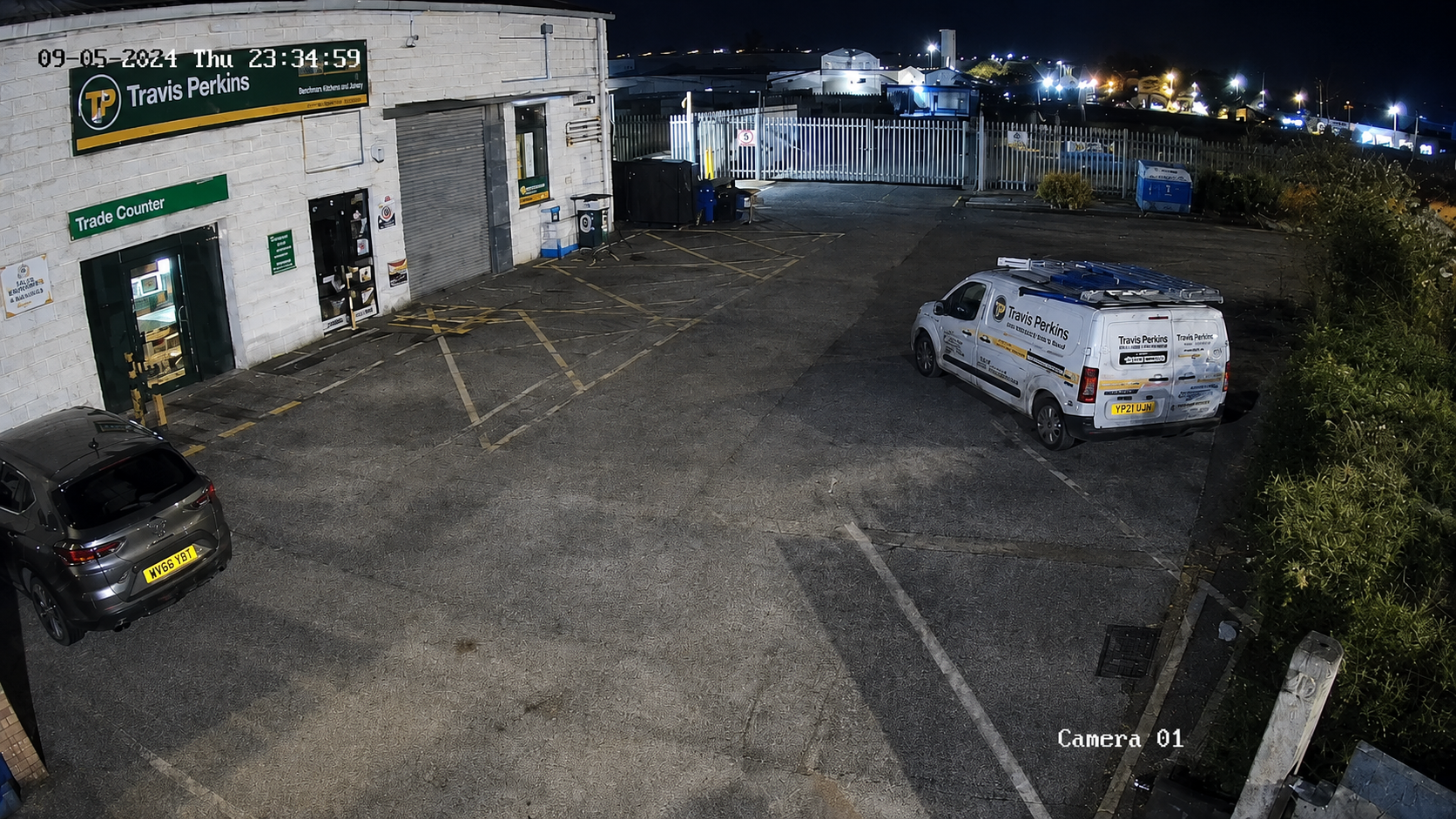
Clearer colour footage after dark, with less need for intrusive lighting.
See OwlView →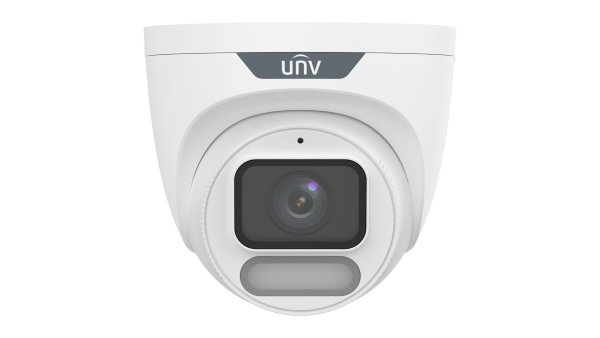
6PM CUT OFF - Order Late
FREE DELIVERY - Orders £300+
MARKETING - Grow Your Brand
XP CENTRE - Unlock Exclusive Perks
Both need CCTV. They don't necessarily need the same camera. Here's where each one earns its place.
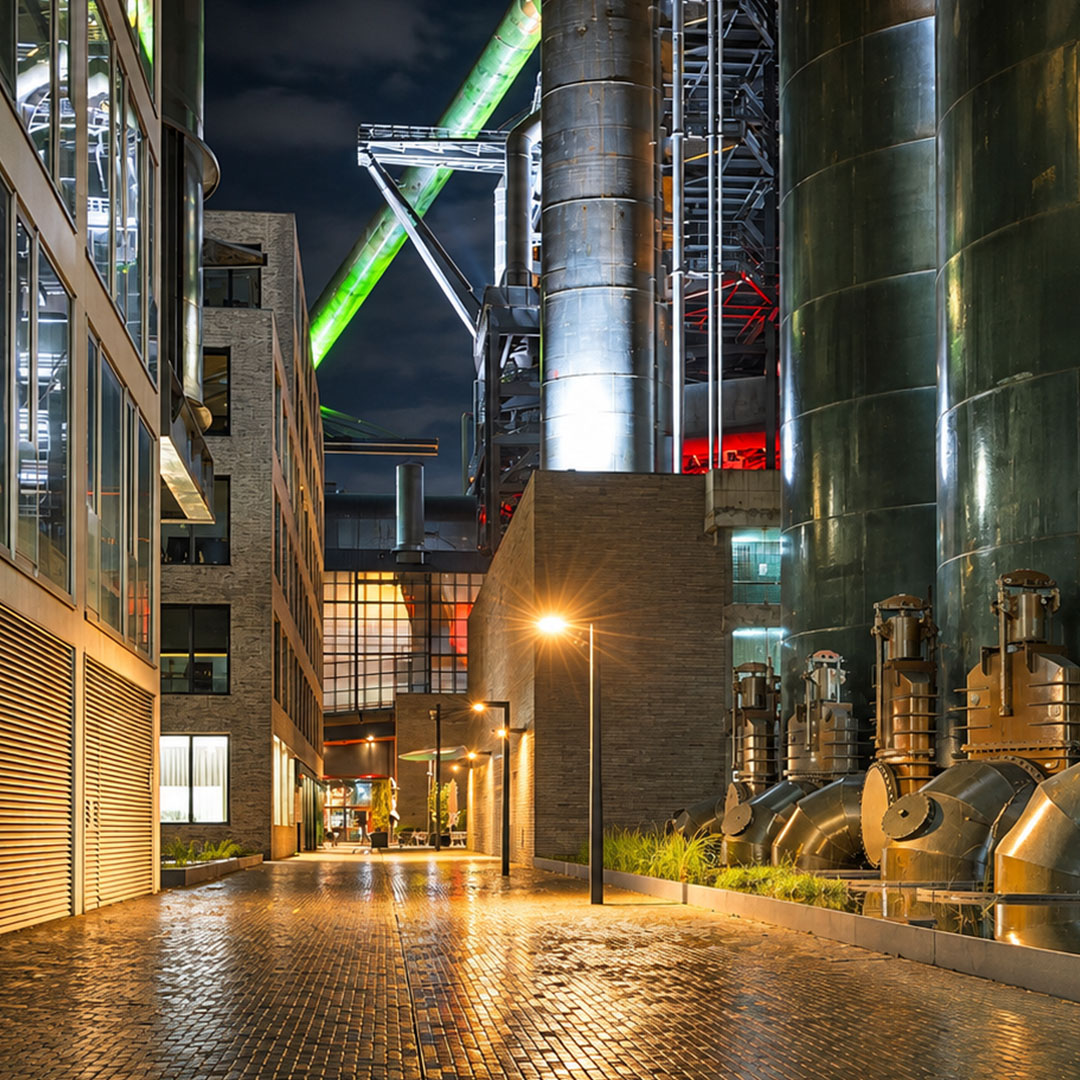
Get more from the light that's already there.
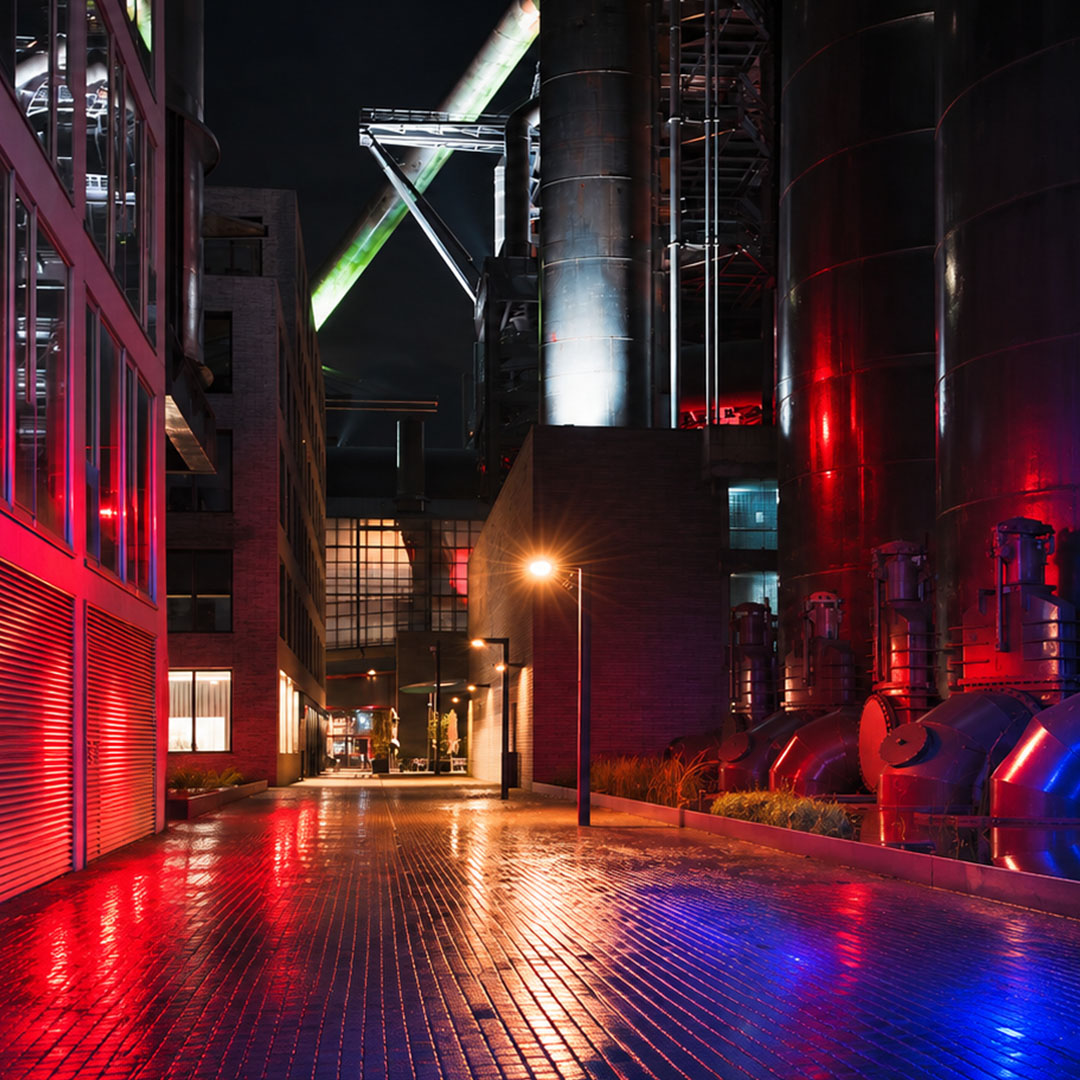
Make the camera part of the response.
TriGuard 3.0 uses OwlView low light technology too. The big difference is what it can do when somebody enters a protected area.
Clearer colour footage after dark, with less need for intrusive lighting.
See OwlView → Low light footage plus detection, flashing warning lights and audio.
See TriGuard →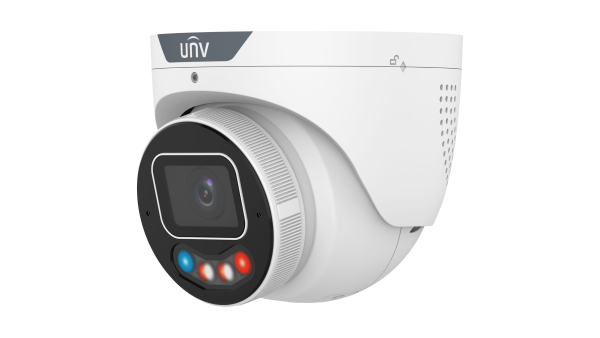
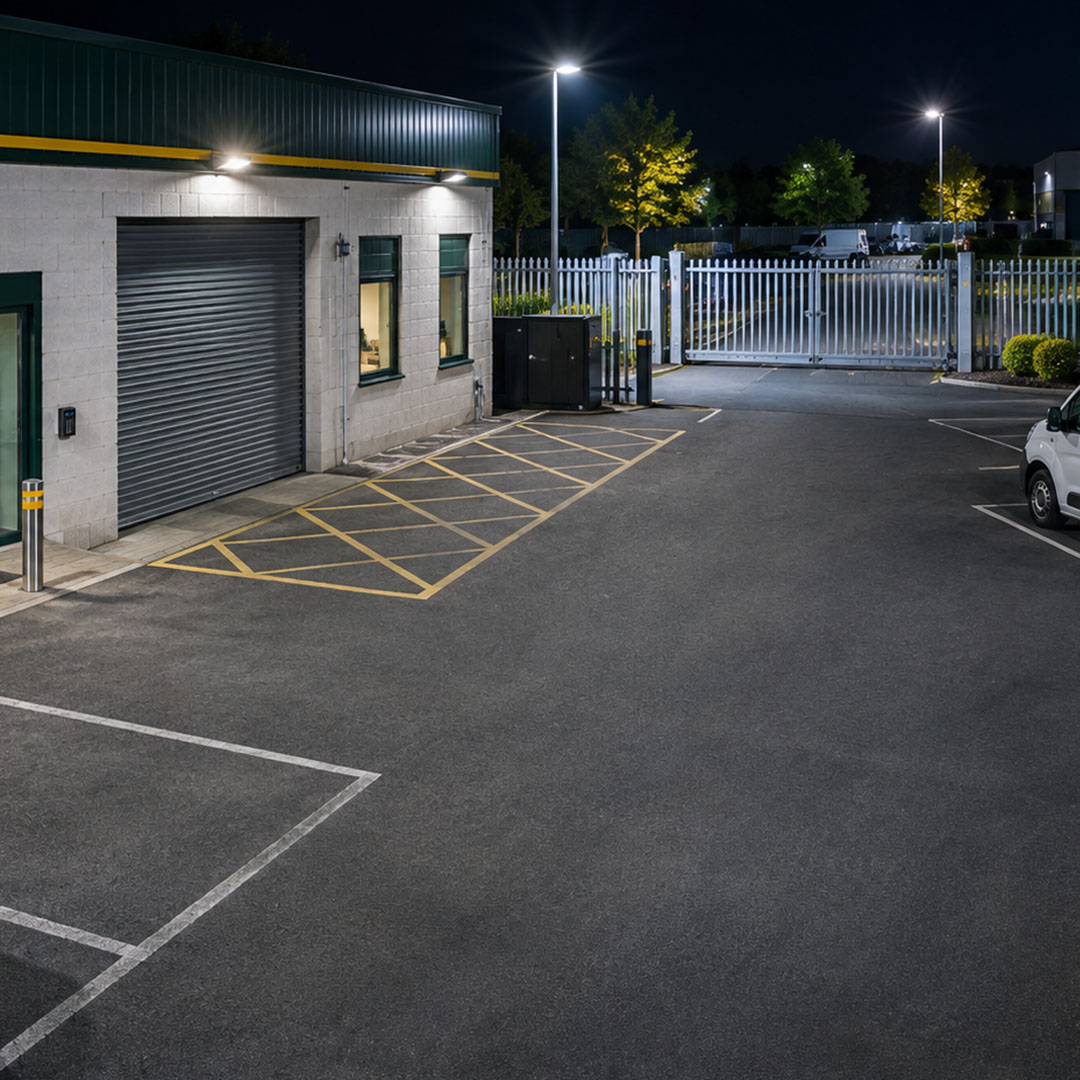
An example of the difference OwlView imaging can make when available light is limited.
Open a job to see which camera I'd start with and what to check on site.
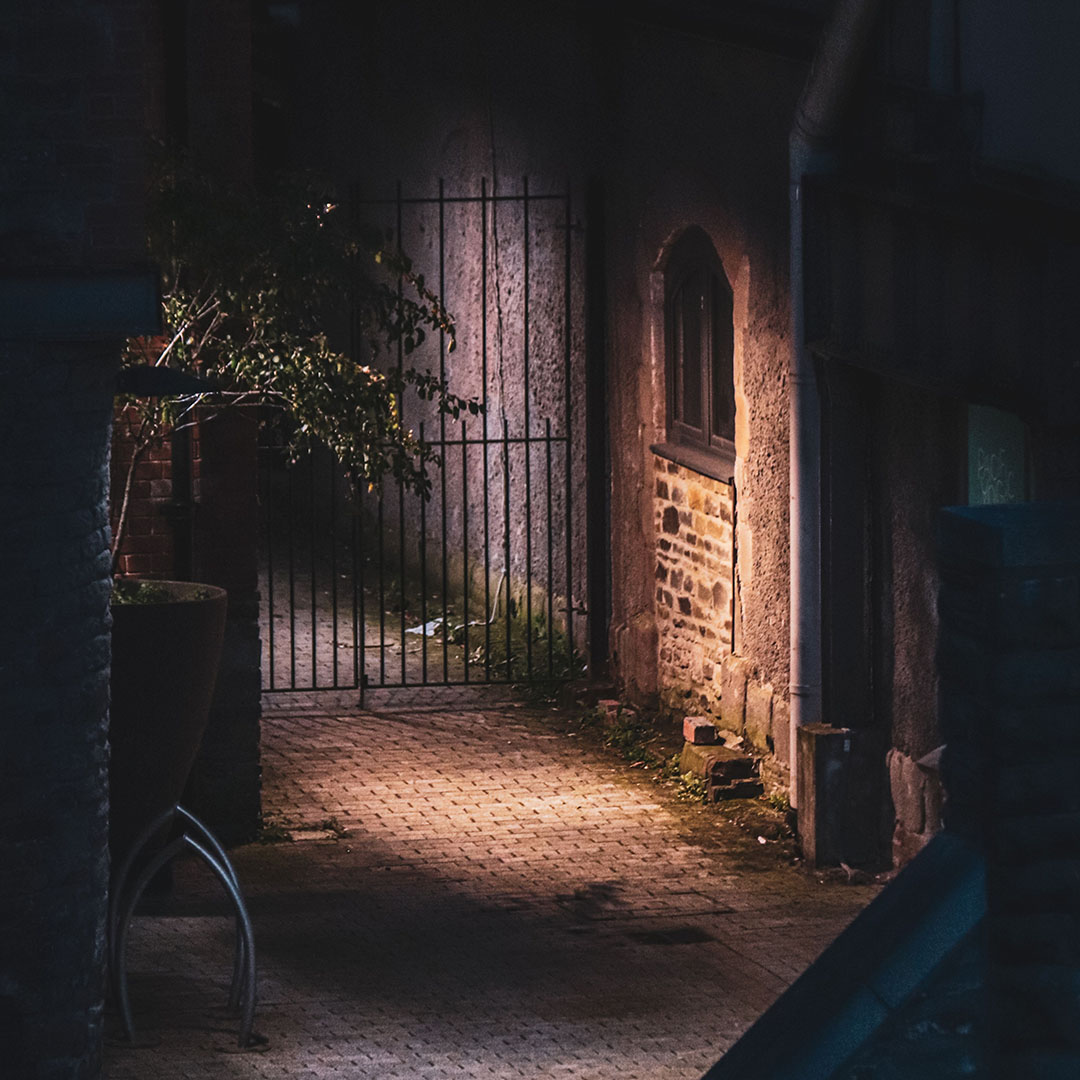 Job 01 / ResidentialA driveway after darkGood colour footage. No unnecessary disturbance.+
If there's some ambient light, OwlView can capture useful colour without needing bright light every time somebody walks past.
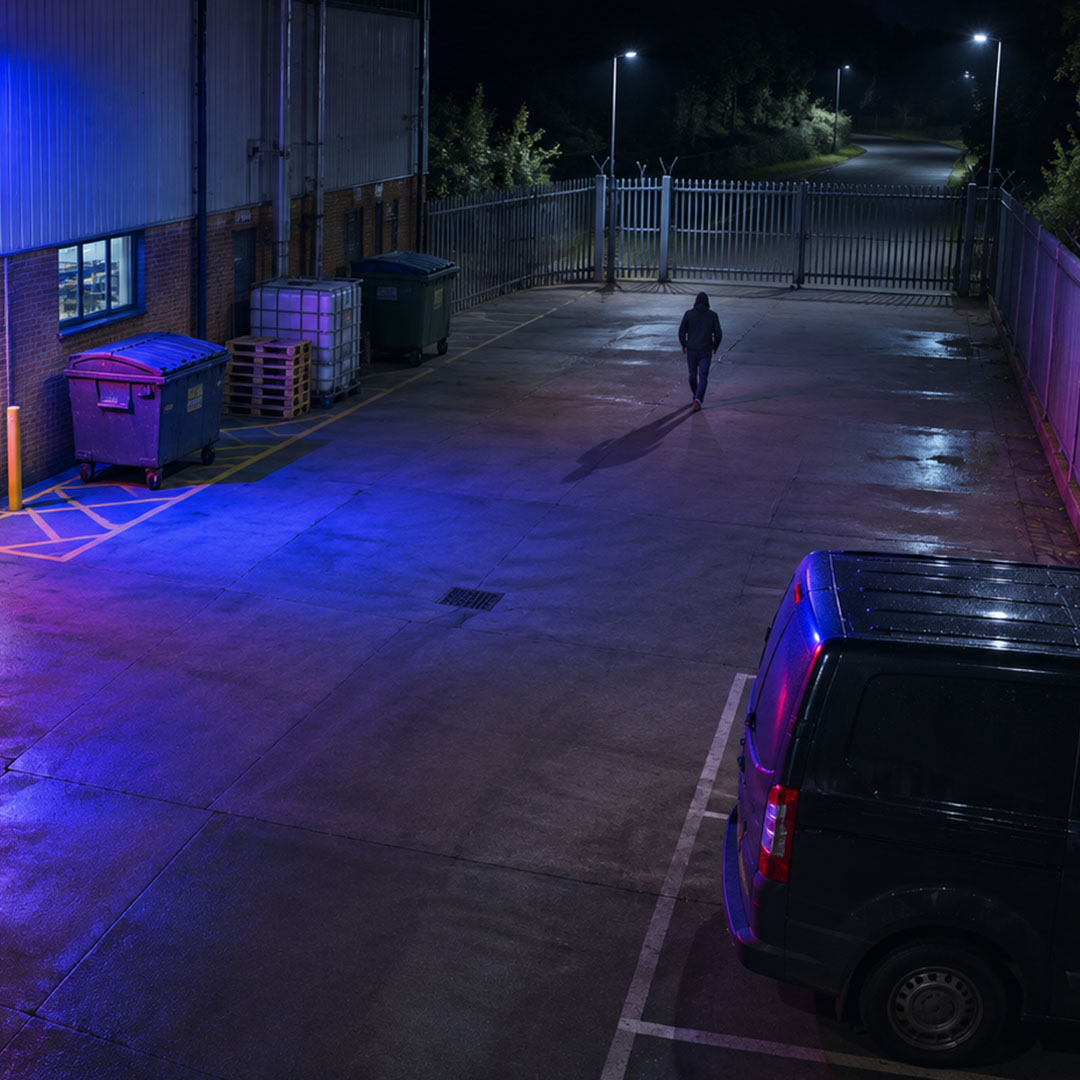
Check: Night time light levels and neighbouring properties.Explore OwlView →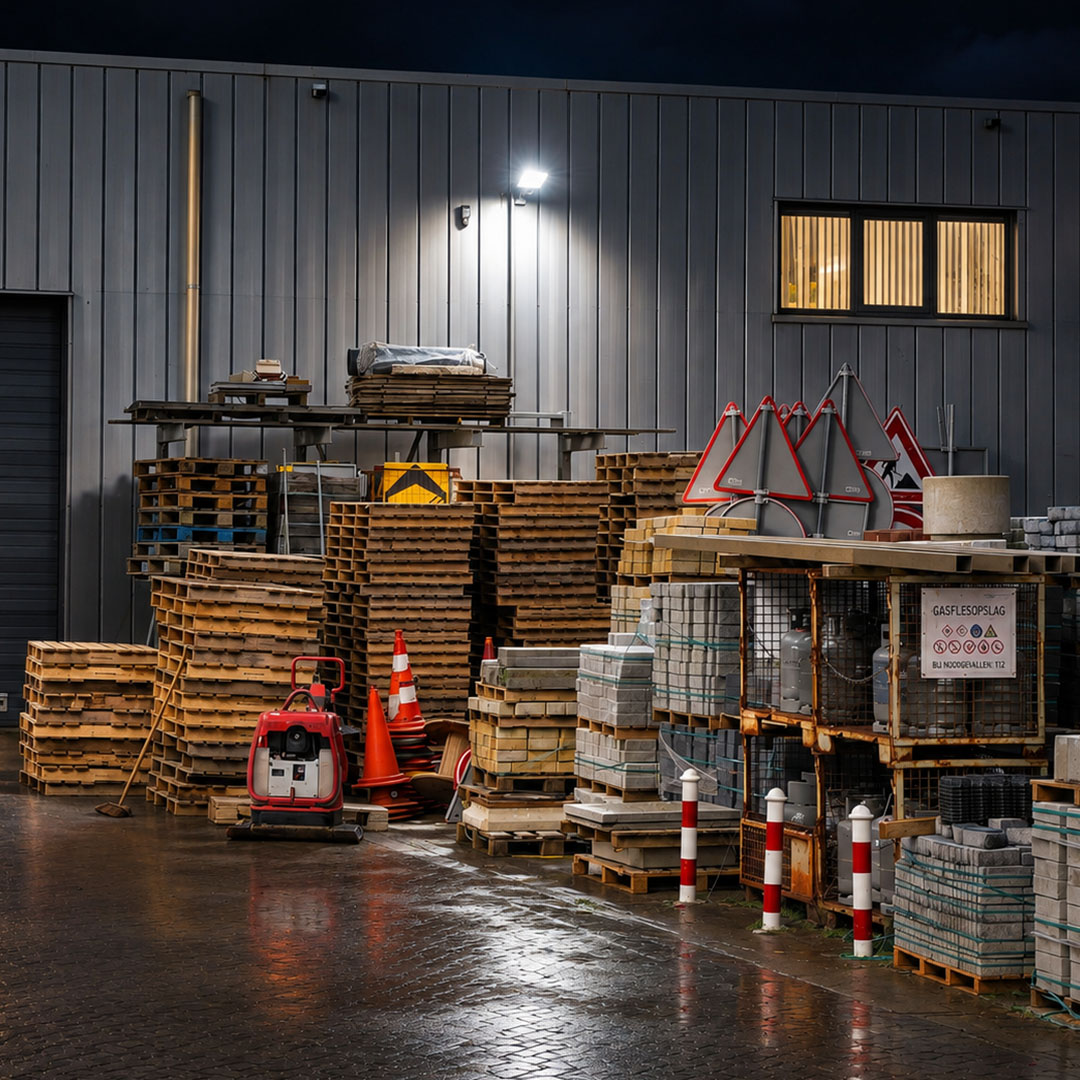 Job 02 / Restricted areaA locked commercial yardSomeone inside at 2am should get a warning.+
Set a restricted zone and the camera can trigger lights and audio when a relevant target enters it.
Check: Detection boundaries, schedules and possible nuisance activations.Explore TriGuard →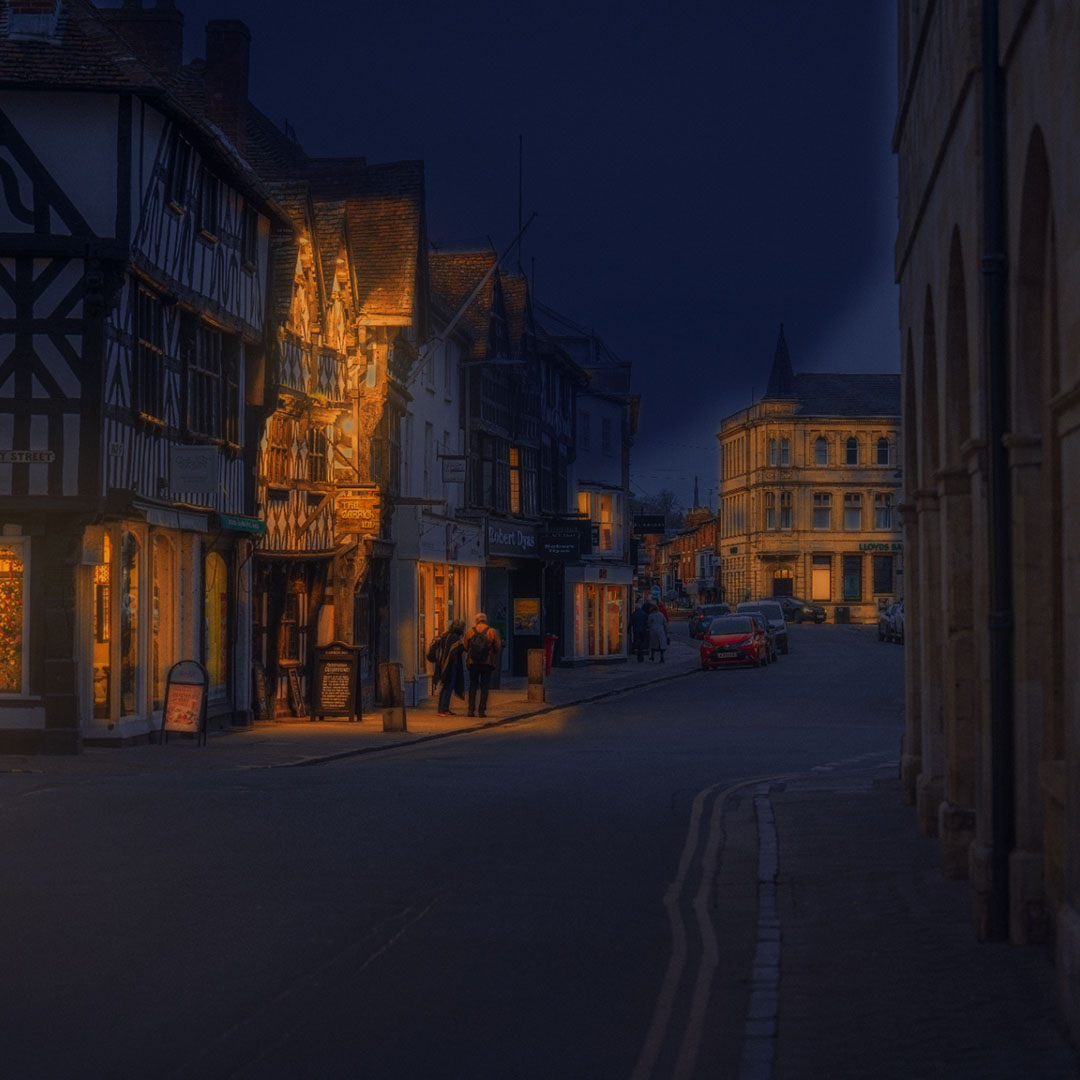 Job 03 / Public facingA busy shop frontagePassing footfall isn't automatically a threat.+
Use the available light to improve night footage, without warnings going off whenever people pass the shop.
Check: What is public space and what is genuinely restricted.Explore OwlView →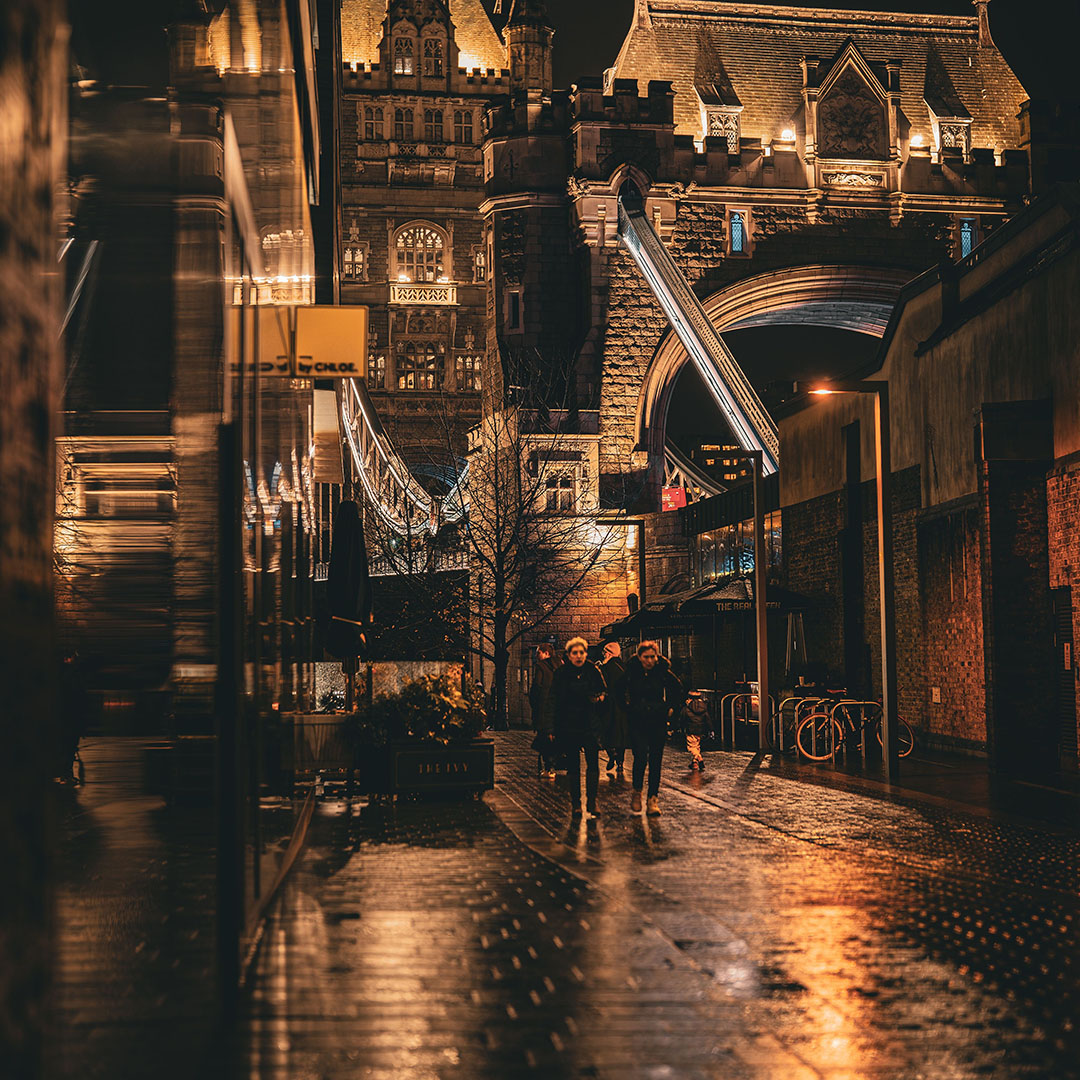 Job 04 / Mixed siteFront entrance and rear compoundTwo areas. Two different requirements.+
OwlView at the public facing entrance. TriGuard where an after hours breach needs a visible response.
Check: Which zones need recording and which need active deterrence.Explore Uniview kits →Confirm functions against the exact camera datasheet. Colour images still require available light, and deterrence must be configured to suit the site.
Public facing entrance at the front. Locked yard at the back. You can specify around the actual risk.
We use cookies to ensure that you receive the best experience possible whilst you use our website.